FreeFor individual projects.
$0/ month
- 3 shared Pages & QR code slots
- 1,000 scans/mo
- 500 tracked WooCommerce orders/mo
- Current-month analytics
- Pages with Scanely footer, 10 leads/mo
- Brief Scanely screen before redirect
Create QR codes and track scans by location, device and campaign.
Link to your website or build a page in Scanely.
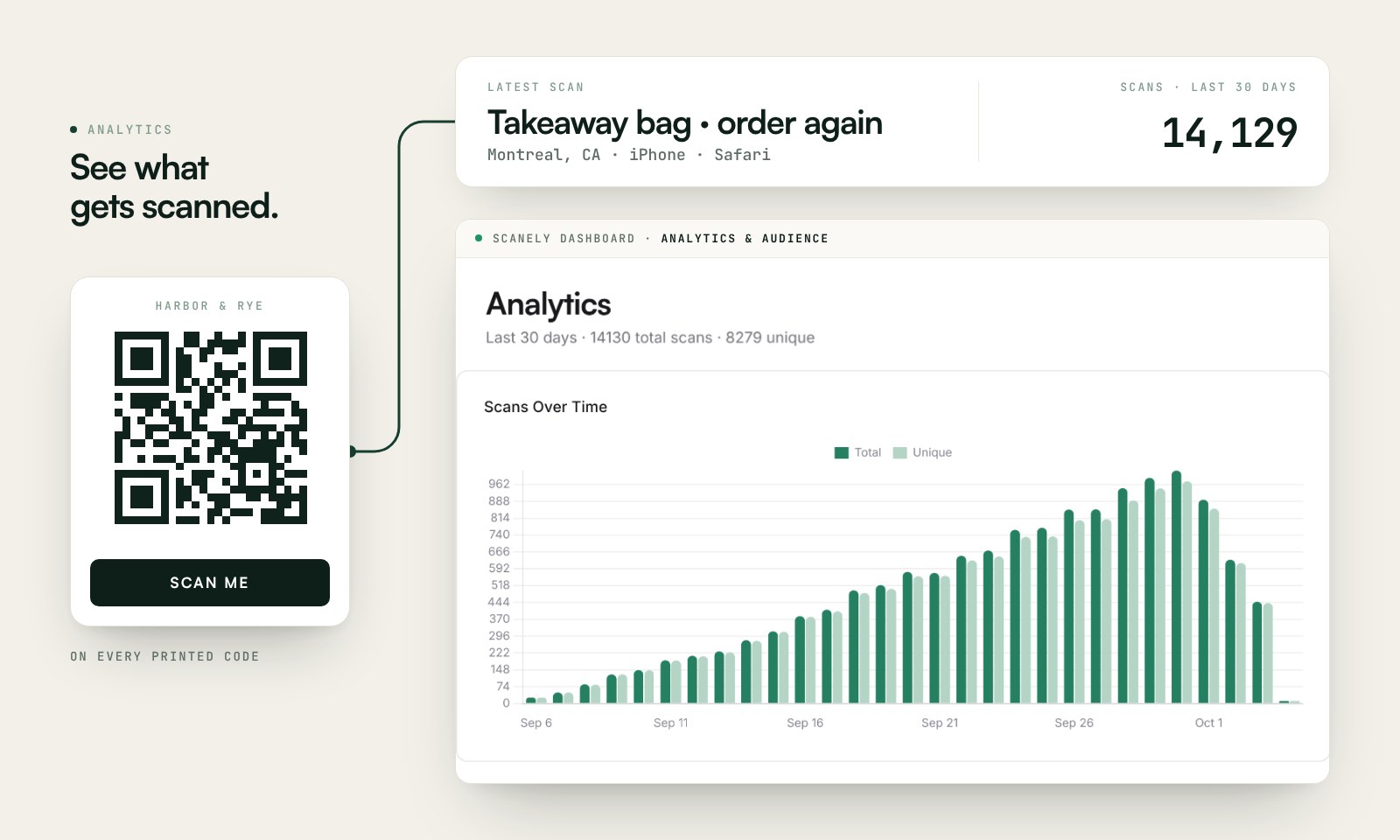
The preview shows Scanely Pages templates, the page editor and scan analytics with illustrative sample data. Create a page, customize its design and learn where and how people scan your QR codes.
Sample campaign activity
See where scans happen and which devices people use.
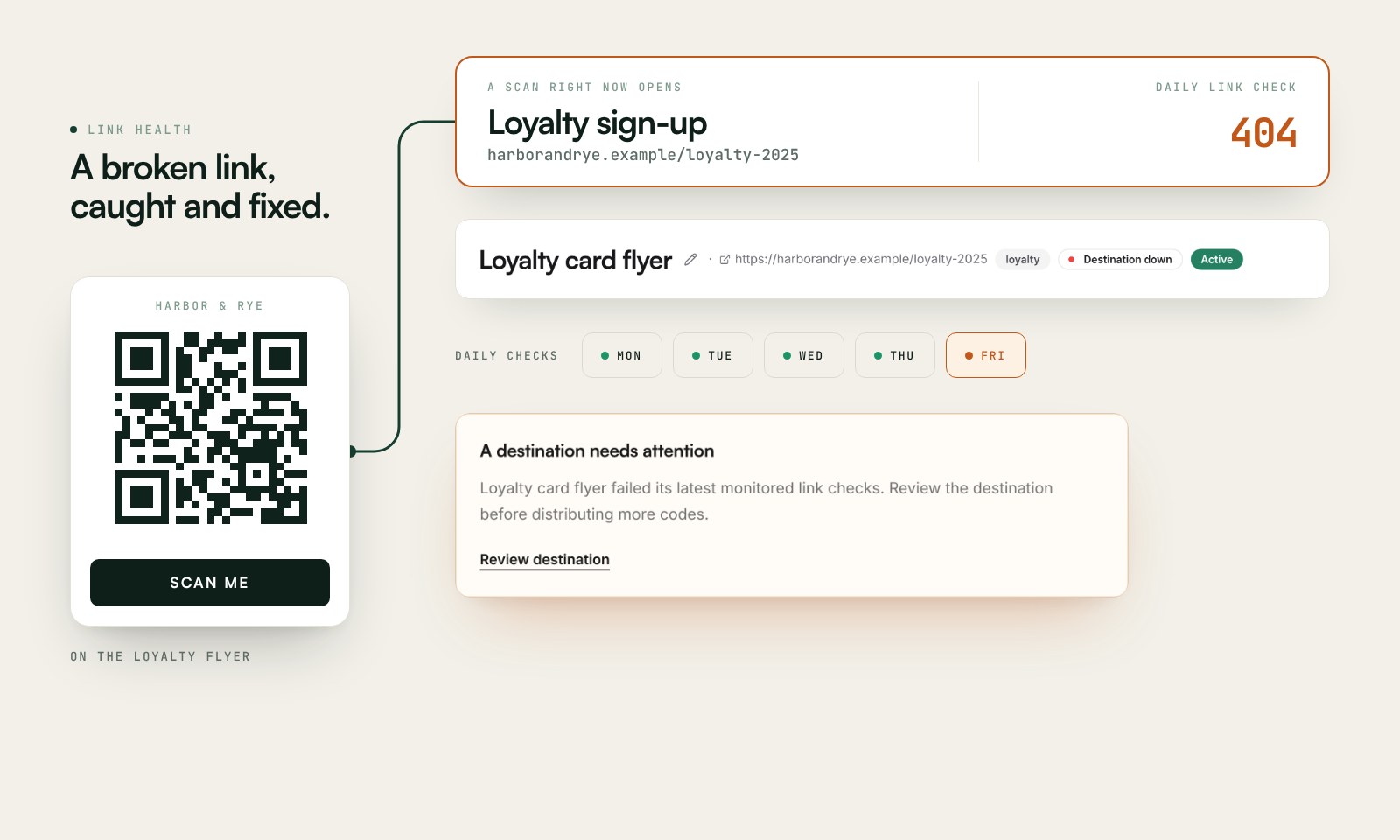
Daily destination checks
One destination needs your attention.
Explore the workspace. No account needed.
Every scan tells a story
Follow scans over time, compare top locations and devices, then explore your audience by country in Analytics.
From menus to packaging, connect your printed materials to the right destination.
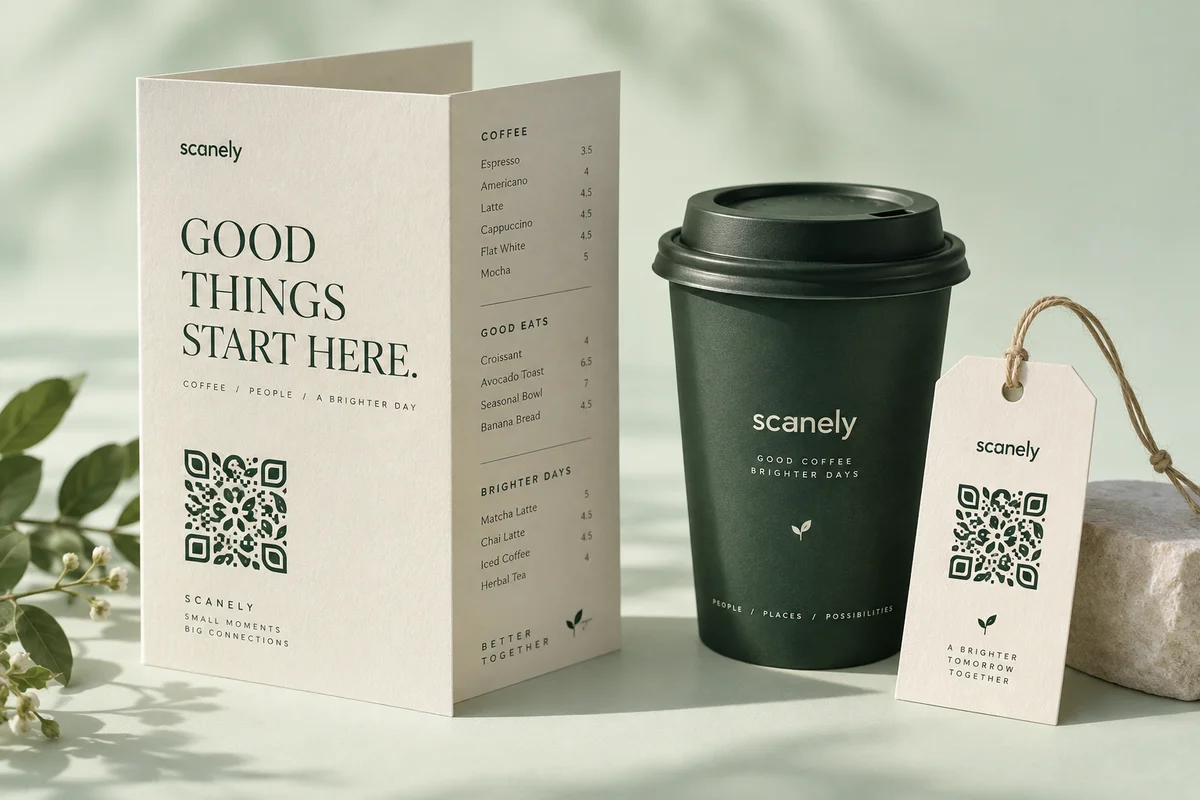
At the table
Update your menu whenever you need to. Keep the QR on the table, and see which locations bring people in.
Explore restaurant QR codesMake it yours. Add your link.
Choose your look. Download your code.
Put it out there. Print it. Share it.
Let your next connection find you.
See the impact. Follow every scan.
Learn what’s working. Do more of it.
New Meet Scanely Pages
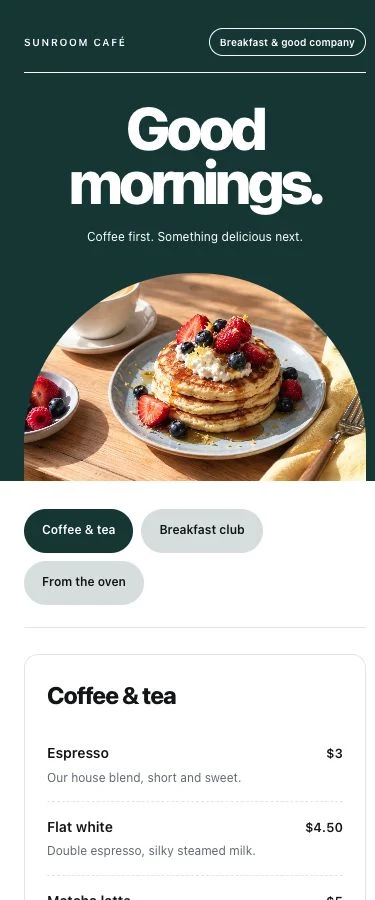
Build a menu, share an offer or invite people to your next event. Give every scan a page of its own - no website needed.
Explore PagesIncluded in every plan. Start for free.

Built for the long run
Link health checks your destinations daily from Starter. Review a broken-link alert, update the destination and keep the same printed code.
Explore link monitoringNo complicated setup. No credit card to get started.
3 dynamic QR codes · 1,000 tracked scans per calendar month · current-month analytics, including location and device. Free codes show a brief Scanely screen before opening their destination.
At the QR limit, you cannot create another code. At the scan limit, your codes keep working; tracking resumes next month or after an upgrade. Custom date ranges need a paid plan; raw scan CSV exports and custom QR logos need Pro or a Lifetime plan.
WordPress stores also get analytics on 500 new WooCommerce orders each calendar month, shared across connected stores. This separate allowance covers verified, consented visits from order QR codes, with 30 days of event history. Invoice QR and order access keep working after the allowance is reached. How order analytics works.
All plans include PNG/SVG downloads and PDF print kits. Compare all features and limits.
Prefer one payment? Explore lifetime plans
A dynamic QR code is a QR code whose destination URL can be changed anytime, even after printing. Unlike static QR codes which encode the destination URL directly, dynamic QR codes encode a short redirect URL that points to our servers. When scanned, we redirect the visitor to the current destination URL, which you can update from your dashboard at any time.
Yes. The printed QR code always points to scanely.io/r/your-code. We handle the redirect on our servers, so changing the destination is instant - the printed QR code stays the same. You can update the destination URL from your dashboard anytime and the change takes effect globally within seconds.
Country, city, device type (mobile/desktop/tablet), browser, operating system, referrer, and timestamp. IP addresses are hashed for privacy - we never store raw IPs. Unique visitors are estimated from hashed IPs.
Scanely runs redirects on Cloudflare Workers. Actual timing depends on the network, destination and enabled features.
Yes. Monthly subscriptions can be cancelled anytime from your dashboard with no cancellation fees. Your QR codes continue redirecting on the free plan after cancellation.
Reaching the monthly tracking allowance does not disable redirects. New scans stop being recorded until the next month or an upgrade. Explicit pause, expiry and per-code scan caps still apply.
Start with 3 free dynamic QR codes.